Fast loops, deep systems
Design rulesets that feel snackable and strategic. PlayForge layers modifiers, dynamic scoring, and community events so short plays accumulate into meaningful progression across weeks.
- • Live mod support: alter physics, timers, or goals without updates.
- • Streak rewards and surprise objectives for momentum.
- • HUD badges and asymmetric challenges for playful friction.
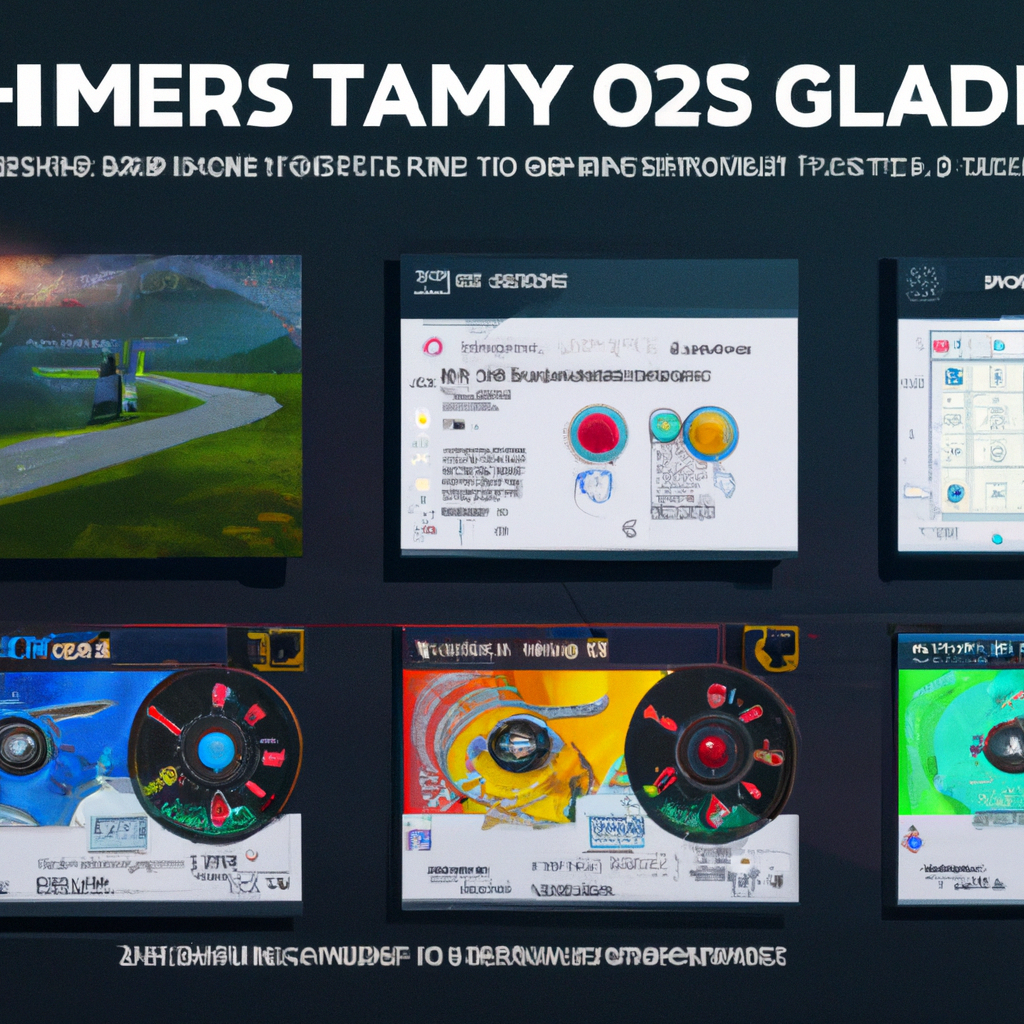
A glimpse inside
Screenshots, quick reels, and community jams. See how modifiers transform the same stage into something fresh.
Voices from early rooms
"We hosted a five-day jam and watched strangers become teammates in two rounds. The badge economy made tiny victories feel earned."
— Lina M., community host
"Quick matches that still reward learning. My kids pick new strats every evening and we all laugh harder."
— Omar P., parent & player
Why PlayForge, not a classic lobby
Unlike static lobbies, PlayForge curates rotations, lets designers change core rules mid-season, and provides social scaffolding so small groups can run events with minimal overhead.
Ready to host a jam?
Create a custom ruleset, invite up to 32 players, and let PlayForge handle scoreboards and rotation. Start a test room in seconds.
FAQ
Most default modes run 3–7 minutes. Creators can set timers per ruleset.
No. Guests can join rooms; hosts may register to persist mods and leaderboards.
Contact the Forge
Questions, reports, or ideas — send a short note. We’ll reply from the team within a couple of days.